Watch a line of Pinyin turn into a Japanese message. Then try a single word or a different meaning. When the candidates appear, you can pick one yourself.
Tell a friend what you have in mind.
Want to say “I’d like to buy three books tomorrow”? The Pinyin appears in your text field. When the Chinese and Japanese appear side by side, tap either one to put it in your message.
This Japanese candidate was produced on an offline Pixel 8. Review free-form translations before sending.
qwertyuiop
asdfghjkl
⇧zxcvbnm⌫
?123,⇄拼音。↵
Keep just the word you need.
Writing a diary and stuck on “weather”? Type the Chinese sentence 今天天气好极了. Its words appear in order. Pick 天気 to insert just the Japanese word for weather.
On the phone, swipe across the candidates or tap the arrow to expand. Tap 天気 beside 天气.
qwertyuiop
asdfghjkl
⇧zxcvbnm⌫
?123,⇄拼音。↵
One Chinese verb, three different actions.
Chinese uses 开 in “open a door”, “turn on a light” and “drive a car”. On Android, tap › beside 开 to see its uses and pick the Japanese verb that fits. The dictionary maps 137 verbs to 501 contextual senses.
Choose つける for switching on a light or 運転する for driving a car.
qwertyuiop
asdfghjkl
⇧zxcvbnm⌫
?123,⇄拼音。↵
Inside the keyboard
Advanced input technologies in one keyboard
Pinyin and Wubi 86
Use either input method on Mac and iPhone without switching modes. On Android, use the layout key to switch. Both codes bring up the Chinese word for a meeting.
huiyi / wfyy → 会议・会議
Fuzzy sounds, typos and digits
On-device matching handles common pronunciation variants and transposed letters. Mix numbers with Pinyin to keep prices and dates in the same sentence.
beijnig → 北京
Tense, tone and politeness
Curated patterns distinguish ongoing, completed and past experiences. On Mac, 526 expressions offer everyday and polite forms, including honorific language for formal settings.
ちょっと待って / 少々お待ちください
Life and culture in Japan668,946reference entries across 11 offline lists
From Haneda Airport to the cast of Slam Dunk
Look up a name reading, place, station or train line before a trip. Find words for part-time work, food, convenience stores, supermarkets and drugstores. The collection also covers EJU exam terms, Japanese public figures and anime, including 8,078 distinct Japanese titles.
The next keyboard release has a curated dictionary of 112,396 Chinese entries, with Japanese text you can insert for 109,715 of them. The full reference lists are available separately. Exam vocabulary spans JLPT N5–N1 and all 1,000 entries in China’s high-school Japanese syllabus.
Next release preview
What’s new in the keyboard?
Keep names and numbers in the sentence
Keep uppercase names intact inside Pinyin or Wubi. Digits stay in place too, as in the message about arriving at Haneda at 3 pm.
With shangha you can already pick 上海 (Shanghai). When the shorter spelling has an exact match, that word keeps priority.
huochezha火车站 · train station
Get the next word after you commit
Choose 羽田 then 机场 twice in succession on separate occasions. Next time you commit 羽田, the keyboard offers 机场. Choose Japanese both times and it learns 空港 instead. Word pairs stay on your device.
羽田 committed机场 tap to insert
On-device processing
What you type stays private.
We call this experience one of a kind. You can type a whole sentence in your own language, read the Japanese translation and choose the whole sentence or just one word, all without an internet connection.
Our zero-leakage commitment covers your typing, translations and word-choice history. They stay on your device. The bundled dictionary works immediately. To translate free-form sentences offline, prepare the language resources once.
Keyboard themes
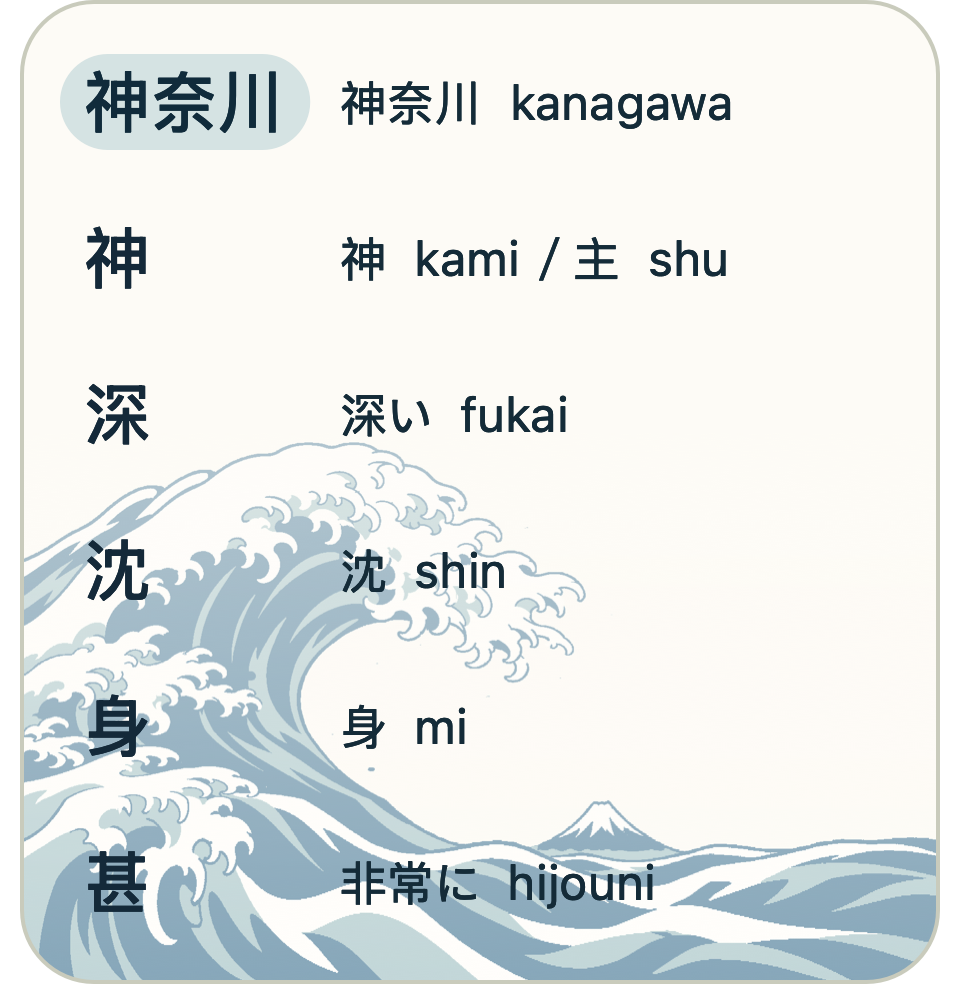
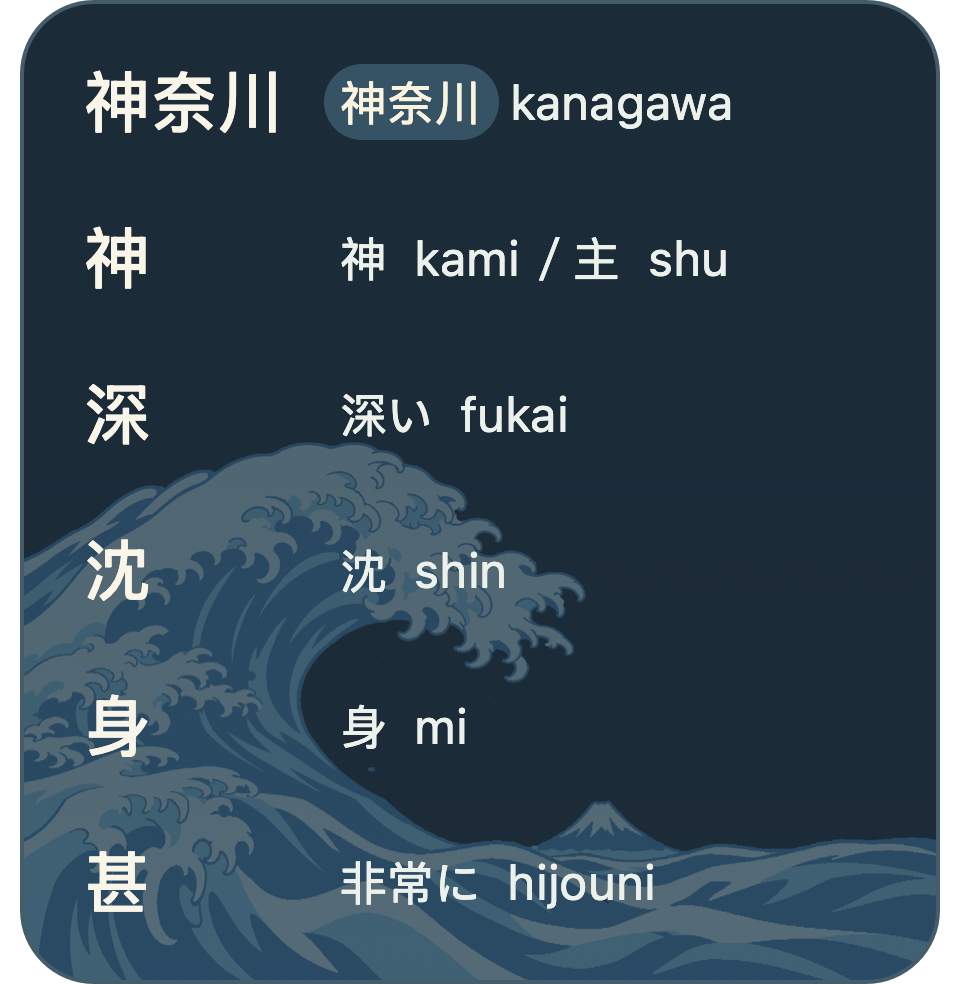
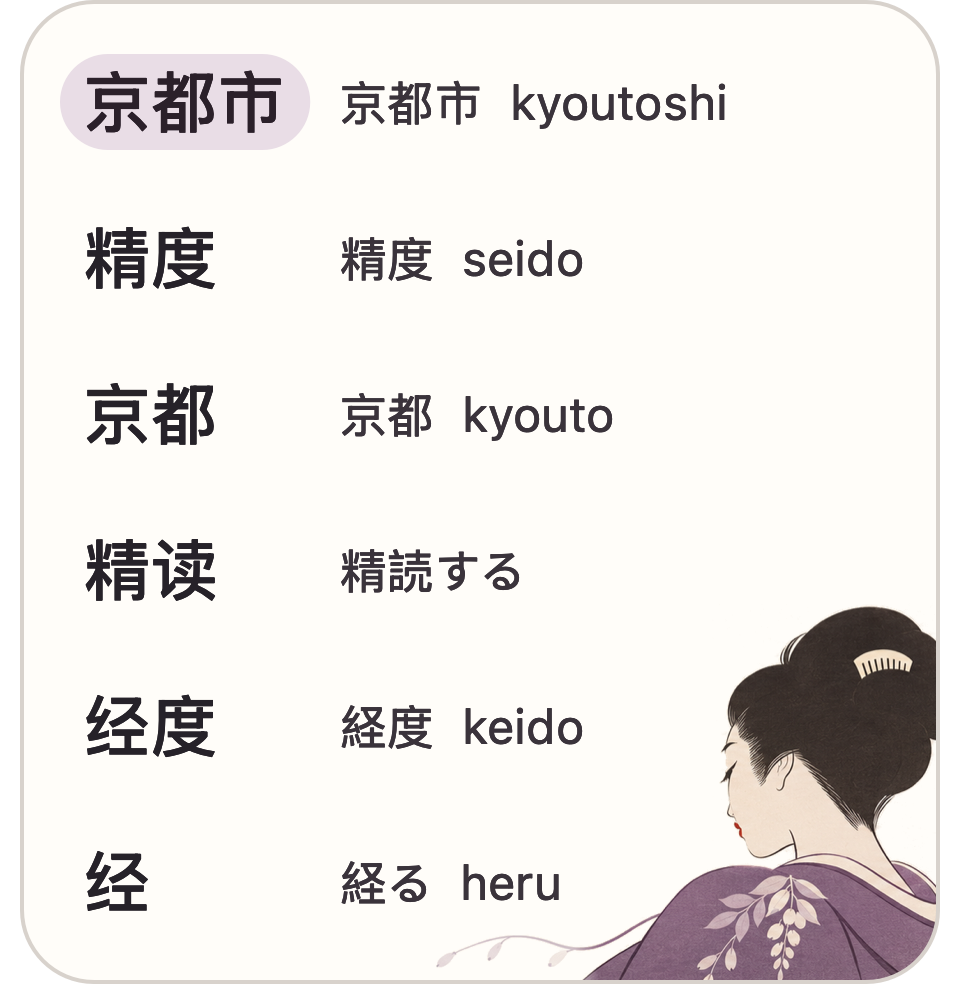
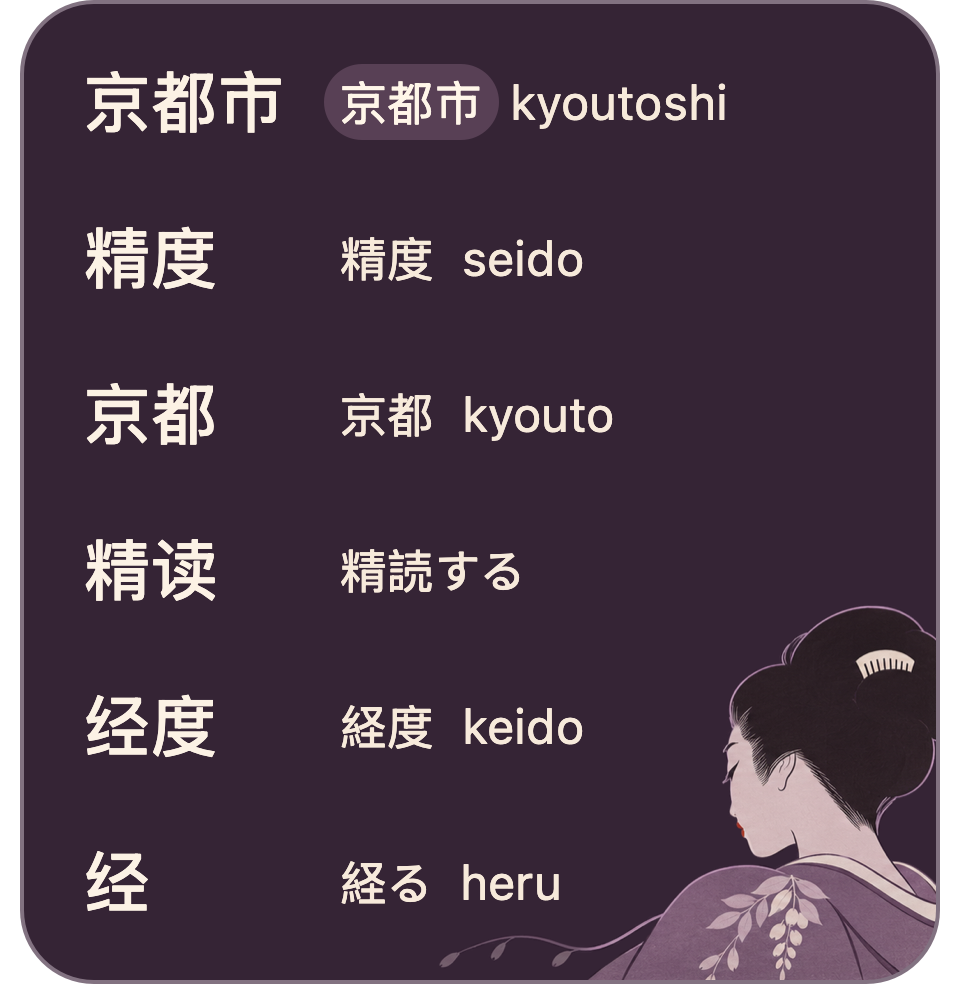
Mountains and waves, a keystroke away.
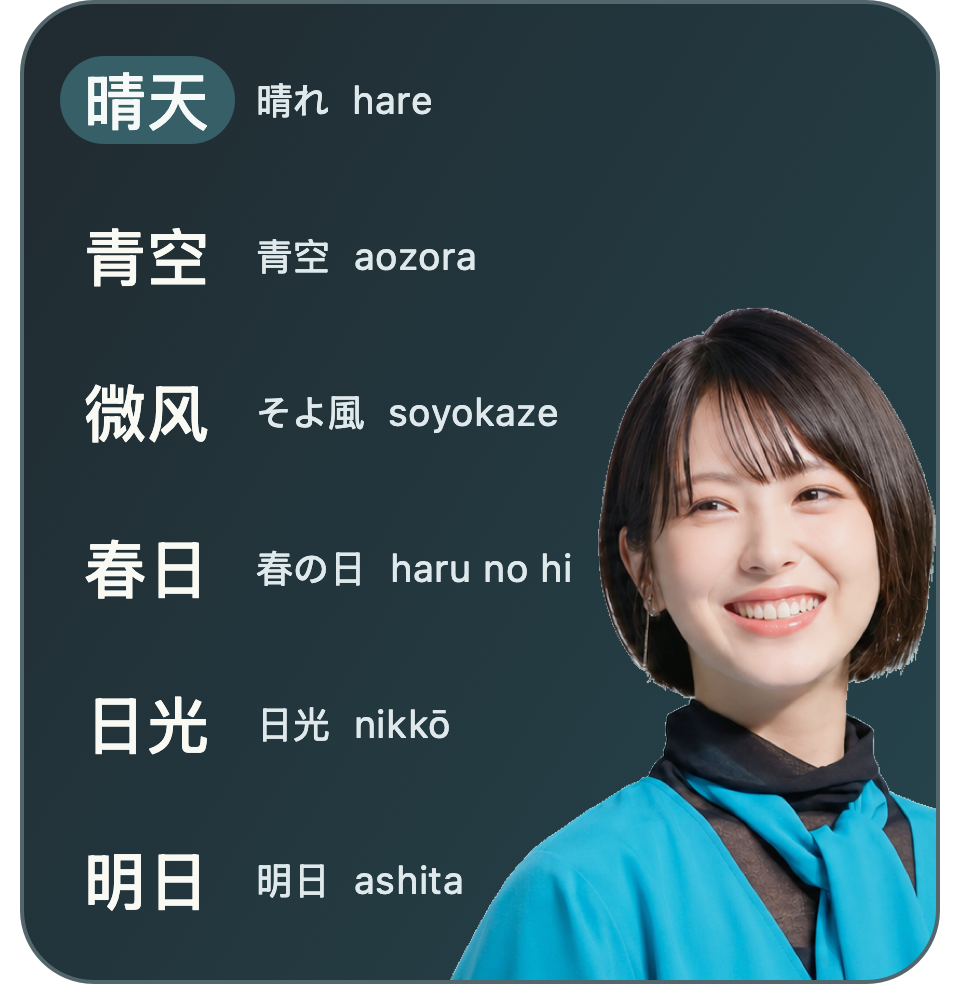
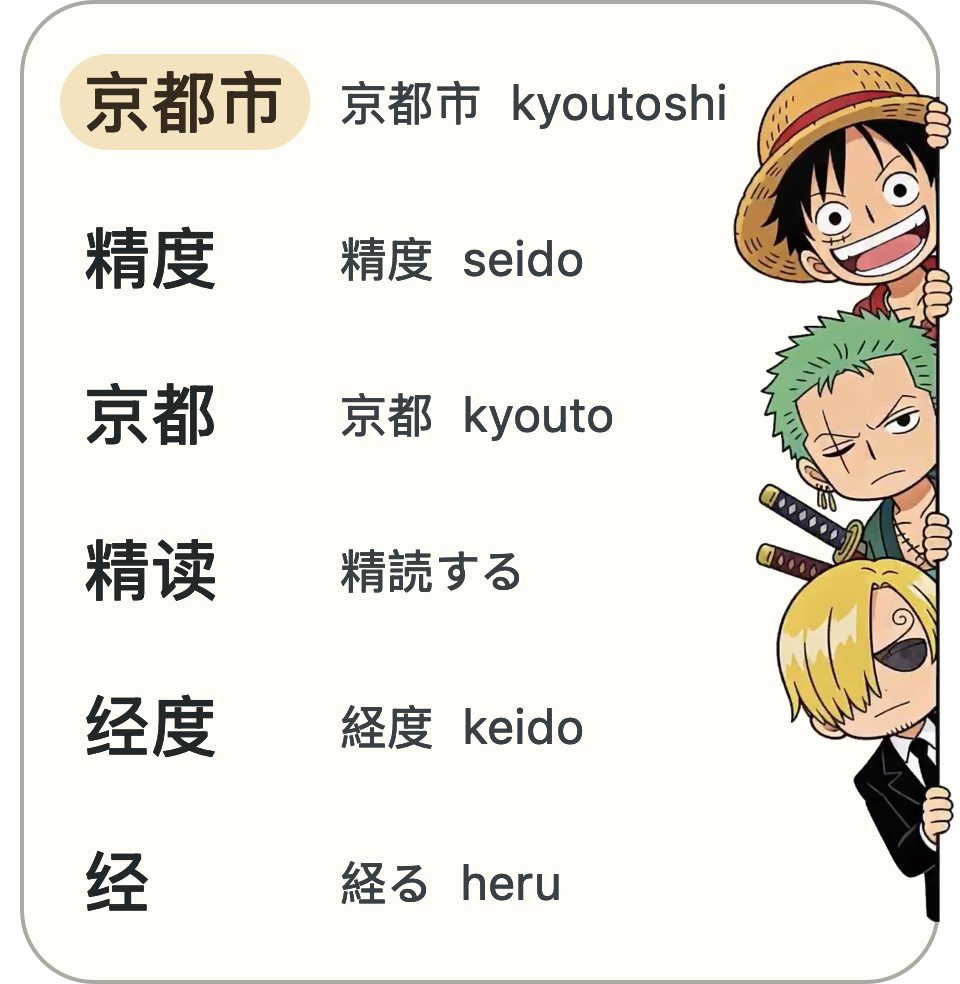
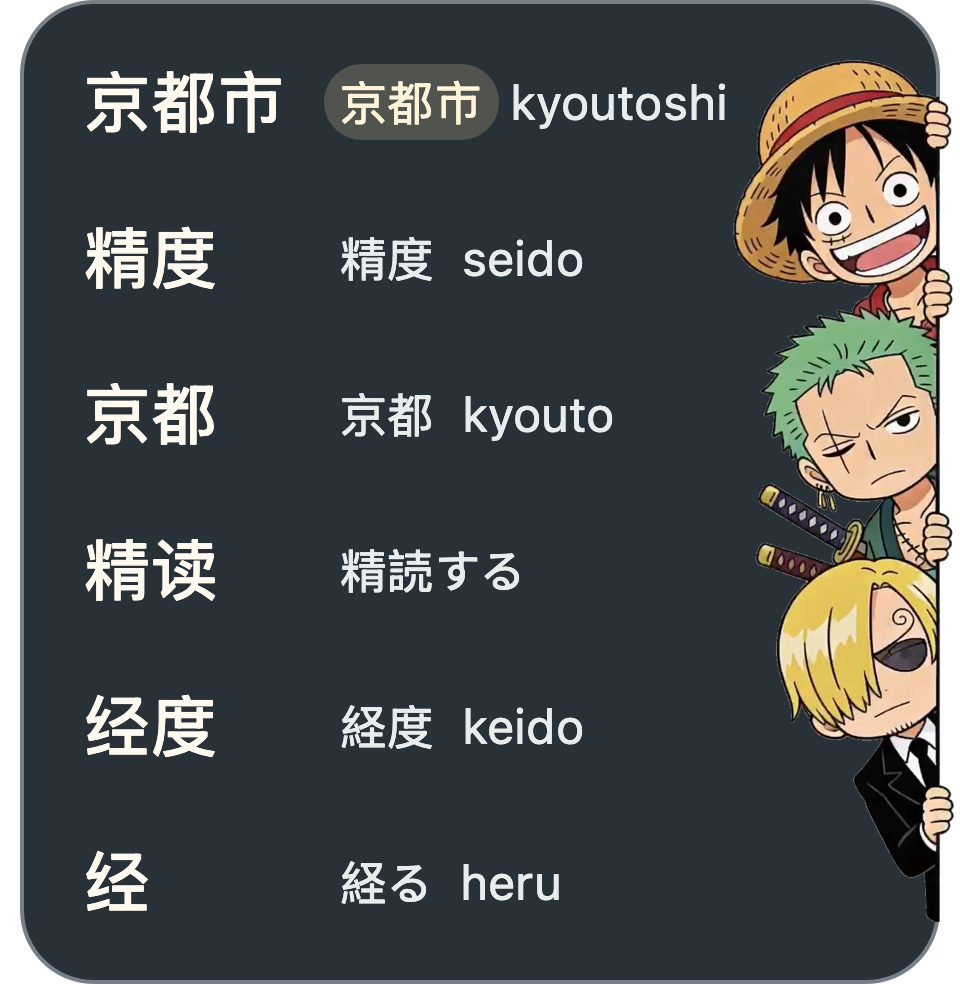
Themes are supported across the TypeDuo family. New themes are released regularly.
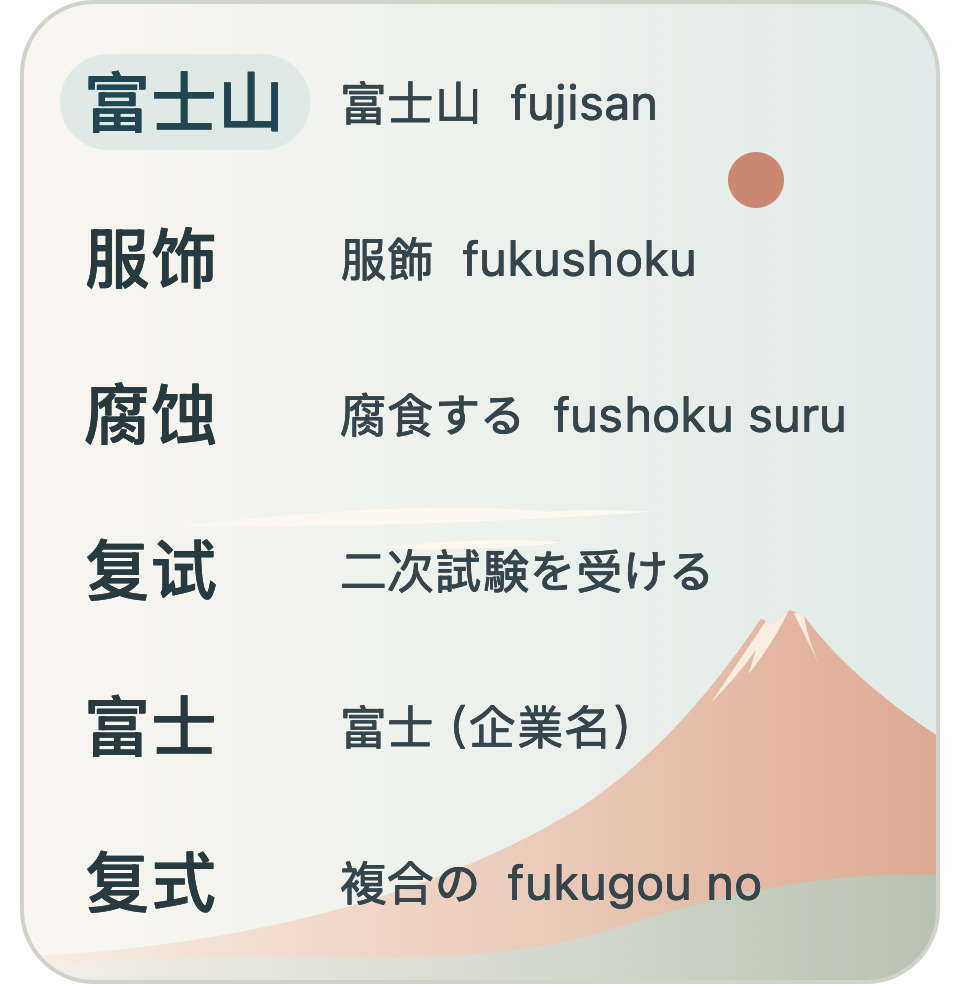
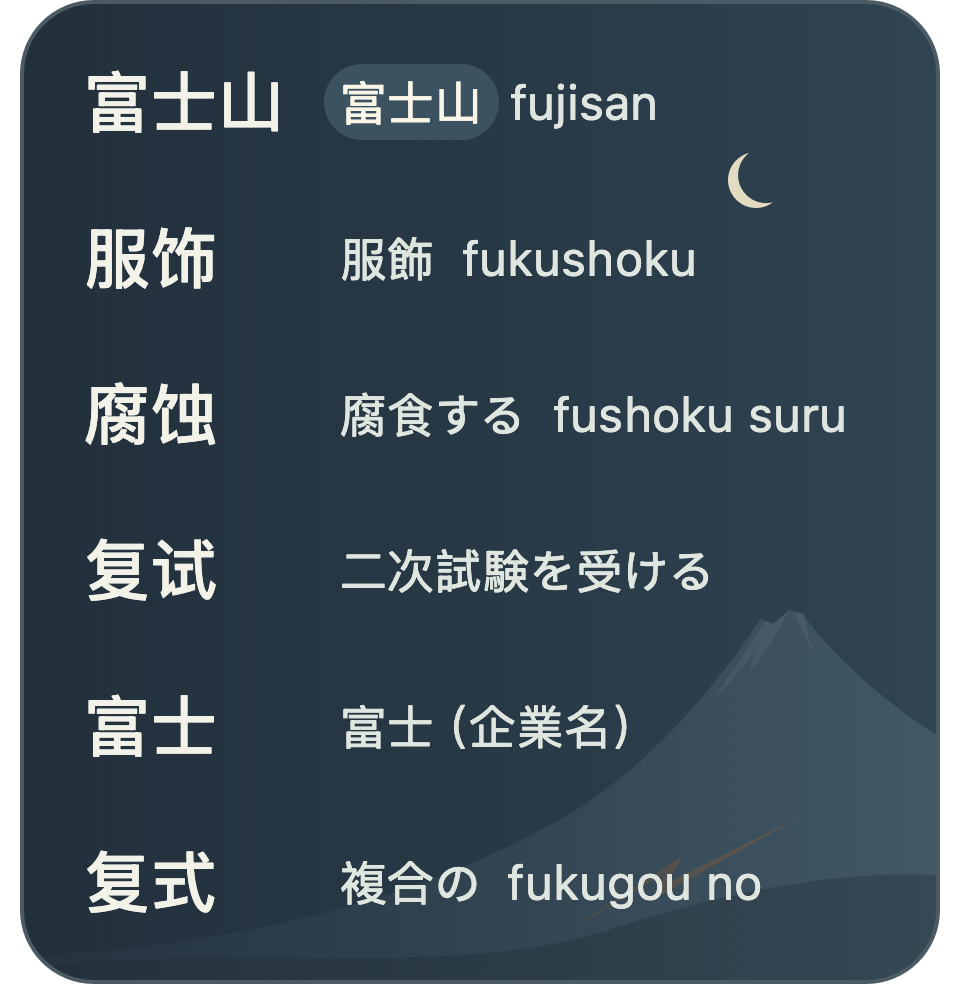
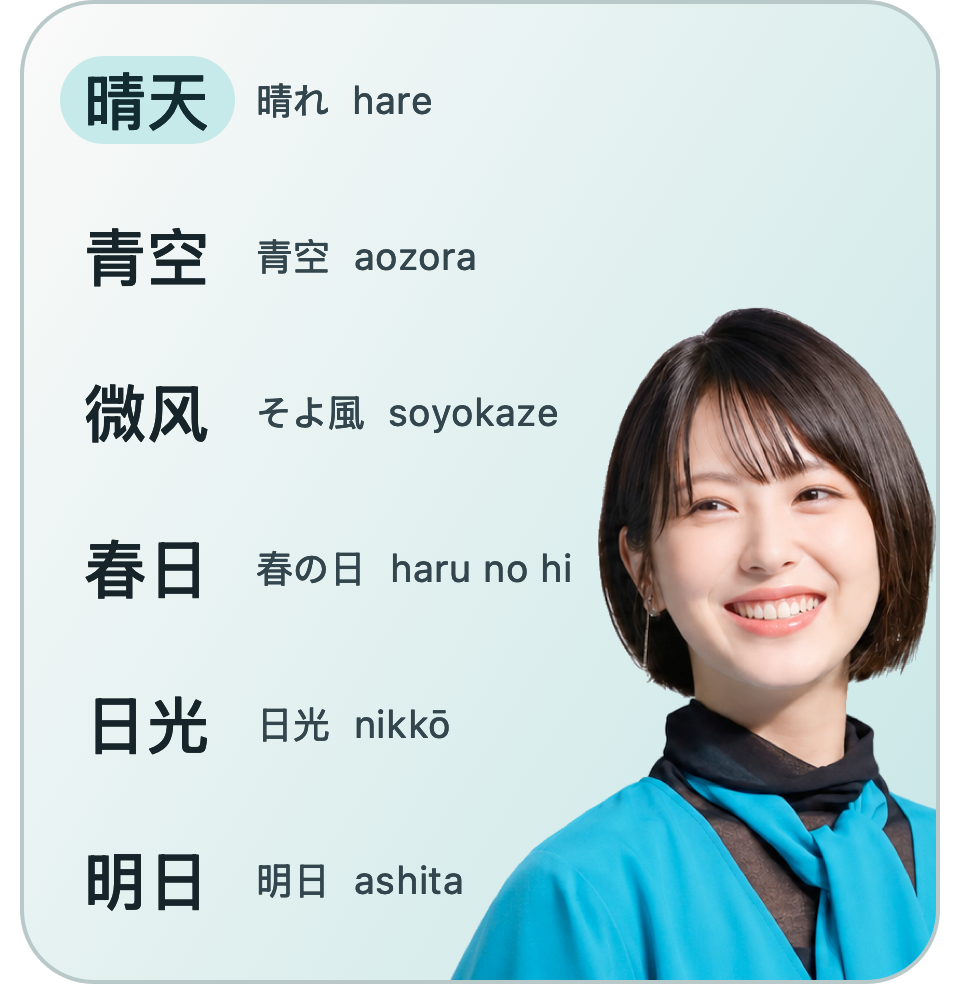
Mount Fuji
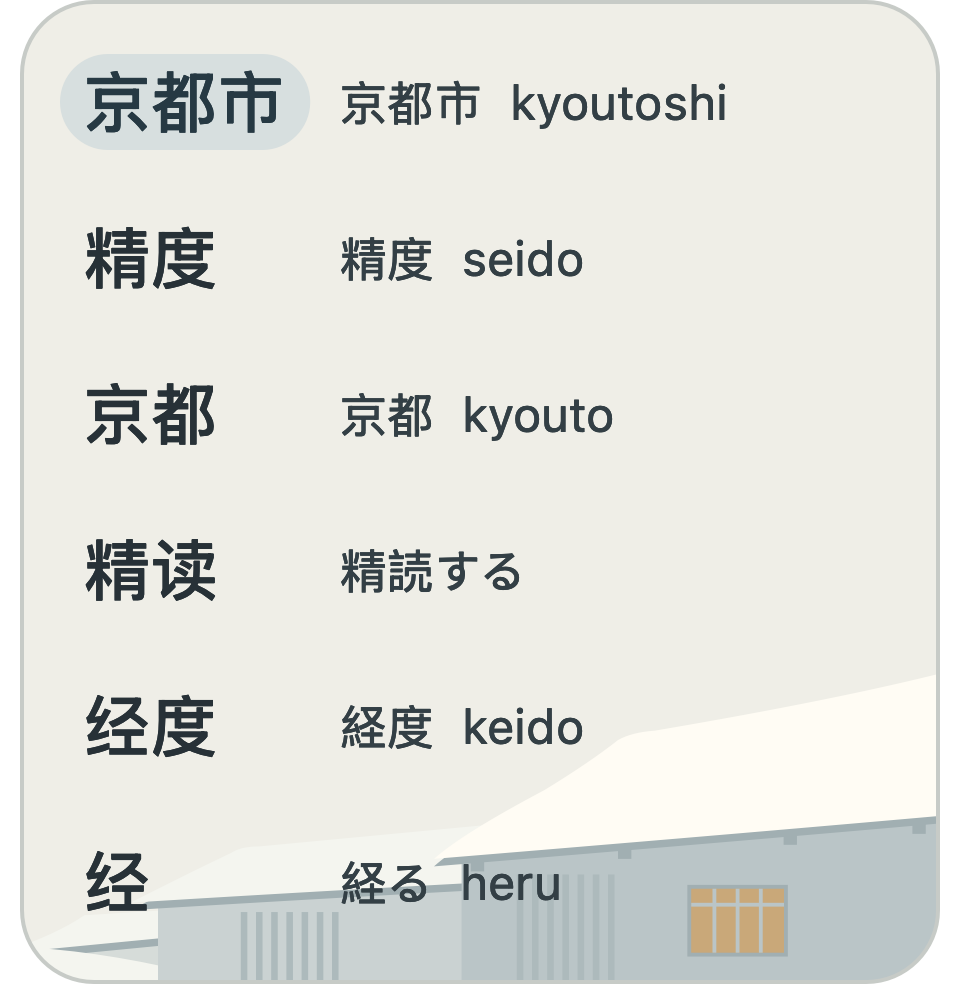
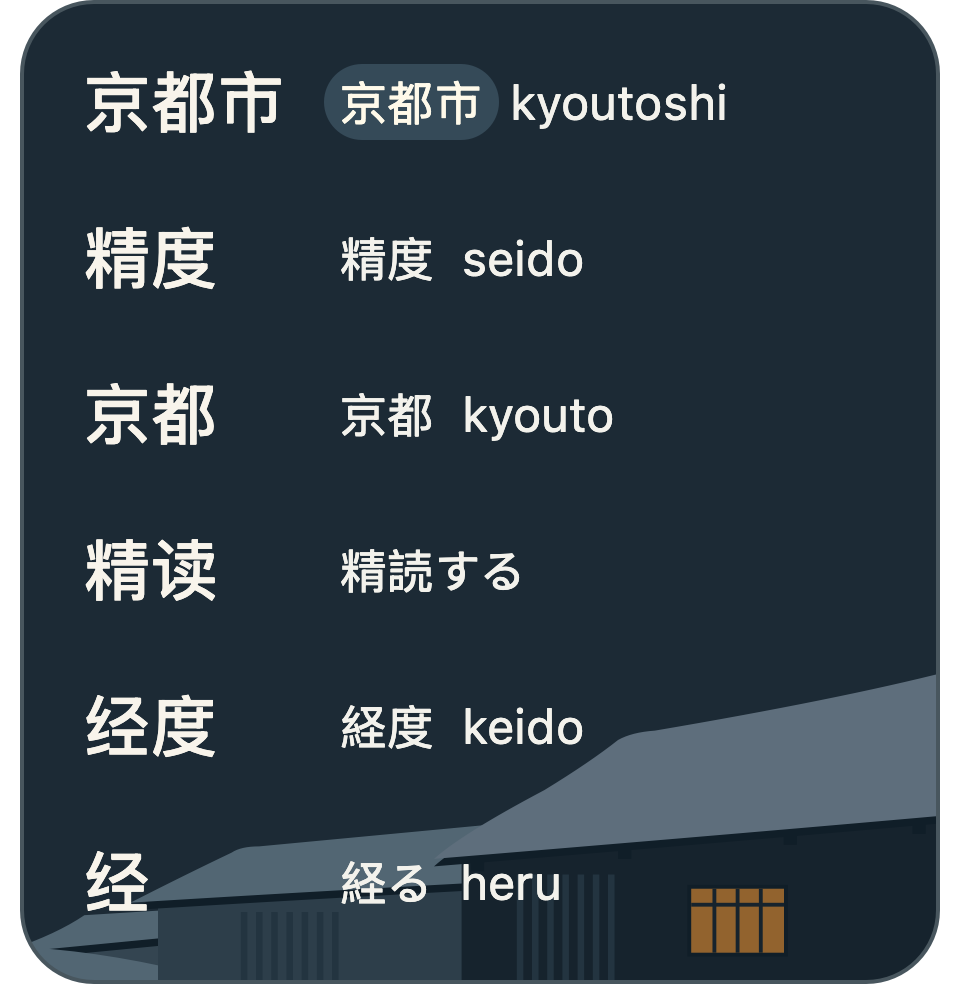
Snowy Machiya
Minami Hamabe
Straw Hat Pirates
The Great Wave
Wisteria Shadows
Our story
I started with words I wanted to remember.
As a Japanese learner, I wondered whether a word would stick if I saw it just when I needed it. So I made a Mac keyboard that put a Japanese gloss beside the Chinese word I was typing.
Words I actually use
When I type 电影, I see 映画, the Japanese word for “film”. When I type 电影院, I meet the same word again in 映画館, “cinema”. These are words I already have a reason to remember.
One word from a sentence
Sometimes a single missing word holds up a whole sentence. I added a way to select just that word. I can type 今天天气好极了, pick 天気 for “weather” and carry on writing in Japanese. The Chinese sentence gives me something to remember it by.
An invitation I can send
Next I wanted to write a whole message in Japanese while typing Chinese. The tricky part was keeping the translation in step with my edits, even offline. I made it update on the device as I typed. Now I can write an invitation in Chinese, pick 明日、一緒に映画を見ませんか? and send it to a friend.
Unzip the download, then open the enclosed APK on a compatible ARM64 phone and follow Android’s installation prompts.
Open TypeDuo. Tap 启用系统输入法 (enable keyboard), then 选择当前输入法 (select current keyboard).
For free-form translation, tap 准备离线语言资源 / 重试 (prepare offline languages) and wait until both Chinese and Japanese are ready.
Free and open source
TypeDuo is free on Mac, iPhone and Android. Its original code is licensed under Apache License 2.0, which permits use, modification and redistribution. Third-party libraries and dictionaries retain their own licenses and attributions.